AI is already in the classroom, with or without the teacher
Students are already using artificial intelligence to do assignments, summarize texts, generate ideas and, in many cases, produce complete pieces of work without having thought much about them. This is not going to change. The question is not whether AI enters the classroom, but under what conditions it enters and what role it plays when it does.
The most concrete risk is not plagiarism — it is something more subtle: that students stop exercising thinking because they have a tool that does it in their place. That AI becomes the shortcut that prevents the development of the very capacities that learning should build.
But there is another possible scenario: that AI is used as a deliberate pedagogical resource, in the same way a map, a microscope or a calculator is used. Tools that expand what is possible to do, without replacing the understanding that makes them useful.
The theory behind the problem
Robert Bjork, cognitive psychologist at the University of California, described the concept of desirable difficulties: learning obstacles that, although they slow initial acquisition, produce much more robust long-term retention and transfer. Retrieving information from memory, generating a response before receiving it, spacing practice — all of this is harder in the short term and more effective in the long run.
The problem with AI, when used without pedagogical design, is that it eliminates precisely these difficulties. The student who asks AI to explain the French Revolution receives the explanation without having tried to build it. The one who asks it to correct their essay improves it without understanding why it was wrong. The ease of the tool works against learning.
This does not make AI a bad tool — it makes its use require design. The calculator did not weaken the mathematical thinking of those who already knew how to operate; it did limit the development of that capacity in those who never had to practice it. The difference lies in when and how it is introduced.
Three pedagogical roles for AI in the classroom
Not all ways of using AI have the same pedagogical value. There are at least three roles AI can play in the classroom, with very different effects on learning:
Role 1: Teacher’s tool (not the student’s)
The teacher uses AI to prepare materials: generate questions of different difficulty levels, create problem variants, produce rubric drafts or adapt a text to different complexity levels. The student does not interact with AI directly — they work with the product the teacher designed from it.
This is the least risky use and, frequently, the most efficient. A teacher can generate in five minutes a set of comprehension questions that previously took half an hour, freeing time for what AI cannot do: observe, give feedback, build connection.
Role 2: Object of study
Students interact with AI to analyze its responses, identify errors, biases and limitations. The teacher formulates a task such as: “Ask AI what caused World War I and then find at least three statements you can verify or refute with your sources.”
In this role, AI is not the answer — it is the material for analysis. This use develops critical reading, evaluative thinking and understanding of how the technology students already use in their daily lives works.
Role 3: Interlocutor for thinking
Students use AI as an interlocutor that helps them clarify their own thinking, not replace it. The task defines the type of interaction: “Explain your argument to AI and ask it to tell you its weak points” or “Tell it your hypothesis and ask what questions a skeptic would ask.”
The difference between this use and use without pedagogical design is the direction of thinking: the student starts from their own idea and uses AI to expand it, question it or refine it. They do not start from AI to have something to say.
| Role | Who thinks | What it produces | Risk |
|---|---|---|---|
| Teacher’s tool | The teacher | Materials for class | Low |
| Object of study | Student analyzes | Critical evaluation | Low to medium |
| Interlocutor for thinking | Student leads | Own refined thinking | Medium — requires task design |
| Content generator without design | The AI | Student’s work without student work | High |
How to design activities with AI that activate thinking
Instead of "research about climate change," the task is: "Ask AI for an explanation of climate change, identify two statements you can verify with another source and one you cannot verify. Explain why you cannot." AI provides the starting point; the student's thinking does the real work.
After receiving an AI response, students answer three questions: What is correct in this response? What is missing or incomplete? What would you change? This simple protocol converts any AI interaction into a critical thinking exercise.
Before consulting AI, students write their own response or hypothesis. Afterwards, they compare: where did they agree? Where did they differ? Who is right and how do they know? The I Used to Think / Now I Think tool structures exactly this process.
Students who already studied a topic create questions to "evaluate" AI. Designing good questions requires deep understanding of the topic — knowing what might fail, where there are nuances, what confusions are common. The quiz creator allows formalizing this process and sharing it with the group.
The teacher presents an AI response about a topic and students debate it. The silent debate works well here: each student writes their position on what AI said, without speaking, before reading what their classmates wrote. AI is the trigger; one's own thinking is the protagonist.
Free tools for working with and about AI
Silent debate — to analyze AI responses as a group
The teacher projects an AI response about the class topic and students respond in writing, without speaking: what they find correct, what they question, what they would change. Being silent, everyone thinks at the same time without the fastest dominating the conversation. The responses remain visible and become input for a subsequent oral discussion with much more substance than if it had started with direct debate.
Collaborative ideas wall — to make critical thinking visible
After each student interacted with AI individually, they post an observation on the wall: something that caught their attention, something they question, something AI did not consider. The collective visualization makes patterns emerge — what errors or limitations of AI were noticed most, where group perceptions differ — and generates a richer discussion than any single student would have on their own.
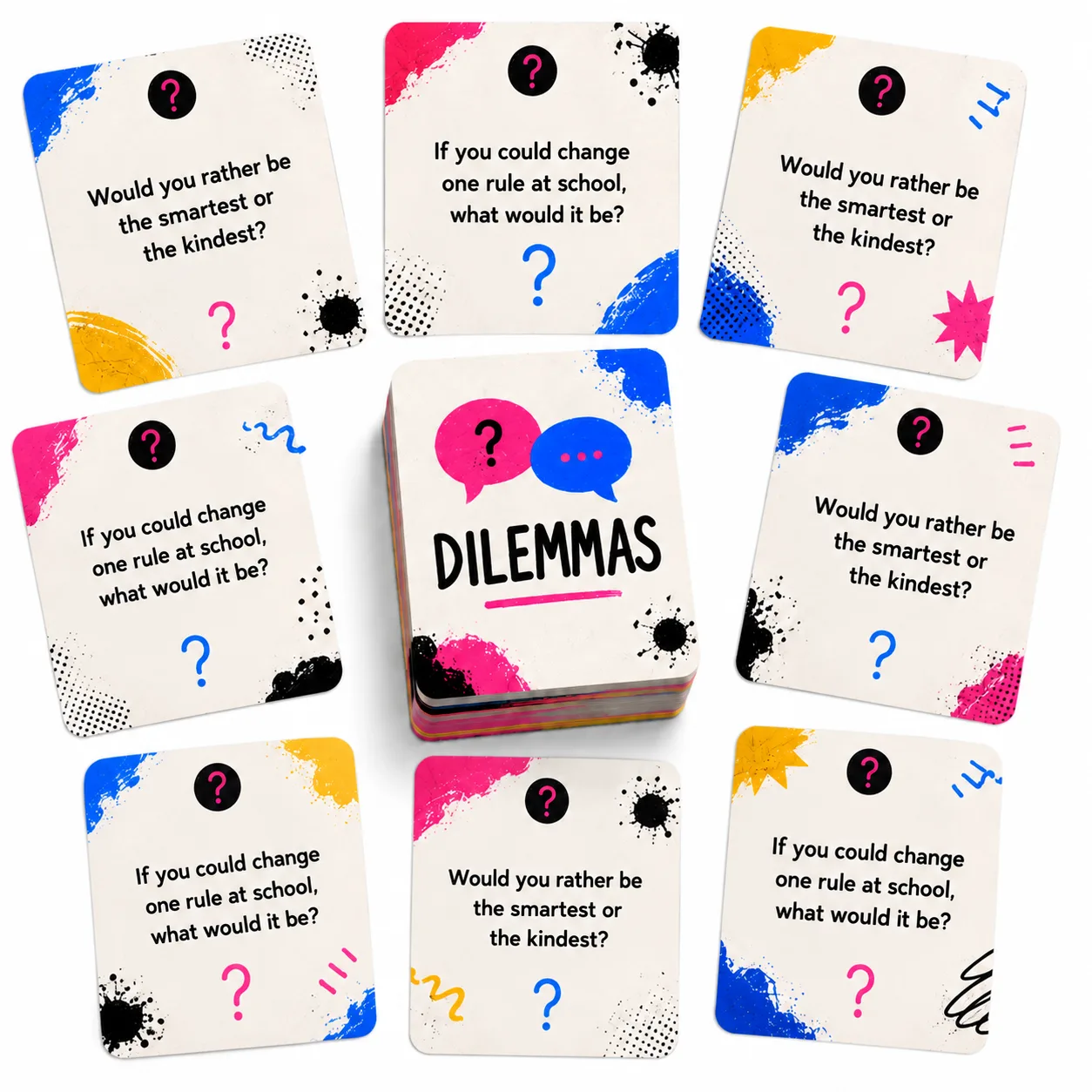
Dilemma cards — to work the ethical dimension
AI raises dilemmas that have no technical answer: if a student uses AI to write an essay and corrects it before submitting, is it dishonest? Who has responsibility if an AI gives incorrect information? Can AI have biases? Dilemma cards present these situations in a structured discussion format, avoiding the trap of turning the class into a sermon on “using technology well.”
I Used to Think, Now I Think — to activate metacognition
Before using AI, students write their own response or hypothesis. After the interaction, they complete the second part: what they think now and what changed. This structure makes one’s own thinking visible before AI overwrites it — and forces students to notice whether they changed their mind and why. It is one of the simplest ways to ensure AI complements thinking instead of replacing it.
Quiz creator — to consolidate with inverted logic
Students create questions to evaluate whether AI answers correctly about a topic they already studied. This use inverts the usual logic: instead of the teacher evaluating students, students evaluate AI. To design good questions that AI might fail, students need to understand the topic in depth — know where the nuances are, what common confusions exist, what plausible but incorrect statements look like.
Common mistakes
Prohibiting AI without teaching how to use it. Prohibition does not eliminate use — it makes it clandestine and wastes a real pedagogical opportunity. Students who learn to use AI critically and deliberately are much better prepared than those who simply avoid it.
Treating AI as a truth source. AI generates plausible text, not necessarily correct text. Presenting it as a reliable source without working on verification produces exactly the opposite effect to what digital literacy aims for: students who trust technology without questioning it. AI should always be used with the expectation that it can be wrong — and students must have tools to detect it.
Using it only to facilitate, not to deepen. The greatest pedagogical waste is using AI only to do faster what was previously slow: summarize, translate, correct spelling. These functions are useful, but AI can also be used to generate disagreement, present opposing perspectives, formulate harder questions than the teacher would have posed. The amplification potential is much greater than the simplification potential.
Ignoring that not all students have the same access. Activities with AI must be designed so those without a device or connection can participate in another way. If the central class activity requires individual AI use, a participation gap is created that is worth anticipating.
What competencies it develops
- When students evaluate whether an AI response is correct, complete or biased, they are exercising critical thinking applied to the technology they most consume: the capacity not to accept information simply because it comes from a source that appears reliable.
- When they compare what they believed before with what AI says and decide whether AI is right or not, they are developing critical reading: reading not to accept but to evaluate.
- When they record how their thinking changed after interacting with AI, they are activating metacognition: the capacity to observe and regulate one’s own learning process.
- When they debate the limits of AI, its authorship, its biases and its role in society, they are building digital citizenship: the capacity to participate in the digital world with criteria, not just technical skill.
How to start
Present an AI response about the class topic and ask students to identify what is right, what is missing and what they would change. Ten minutes of silent debate, then oral discussion. No need for students to have individual devices.
Ask them to consult AI about a topic they already studied and produce a document that compares the AI's response with what they know — in agreement, in disagreement, with sources that support their position.
Design a unit where AI is the "permanent interlocutor": students ask it questions, evaluate its responses, present their arguments and ask it to refute them. At the end they produce their own work that AI could not have generated on its own — because it includes their own positions, verified evidence and reflection on the process.