The problem: lectures nobody listens to
Most digital citizenship programs reduce to a slideshow presentation about the dangers of the internet: don’t share your password, be careful with strangers, cyberbullying is wrong. Students nod, the teacher feels they’ve done their duty, and the next day everything is the same.
The problem is not that students don’t know the risks — they do, probably better than many adults. The problem is that knowing risks doesn’t change behavior. If it did, nobody would smoke, nobody would overeat and nobody would share compromising photos. Knowing a risk is not the same as having the capacity to make good decisions when facing that risk.
Digital citizenship is not taught with information. It is taught with dilemmas, with analysis of real situations and with practice in decision-making.
The theory behind the practice
Ribble (2015) proposed the framework of nine dimensions of digital citizenship, arguing that being a digital citizen is not just avoiding risks — it is participating ethically, responsibly and productively in the digital world. Security is one dimension, but so are communication, media literacy, digital commerce and rights and responsibilities.
Hargittai (2010) demonstrated that the “digital divide” is no longer just about access — it is about skills. Young people use technology constantly but that does not mean they use it well. They know how to post a story on social media but do not know how to evaluate whether an information source is reliable. They know how to send messages but do not know how to measure the impact of what they write.
Jones and Mitchell (2016) found that the most effective digital citizenship programs are not those that give information about risks, but those that work on social-emotional skills: empathy, emotional regulation and decision-making. When a student can put themselves in another’s place and anticipate consequences, they do not need to be told “don’t cyberbully” — they can reason it out themselves.
Talk vs. critical thinking
| What doesn’t work | What does work |
|---|---|
| “Don’t share your password” | “In what situations would it make sense to share it? In which wouldn’t it? How do you decide?” |
| “Cyberbullying is wrong” | “Someone posts a funny photo of a classmate without asking permission. Everyone finds it funny except them. Is it serious or are they overreacting?” |
| “Verify your sources” | “Here are two news articles about the same topic that say different things. How do you decide which is more reliable?” |
| “Protect your digital footprint” | “Search your name on the internet. What did you find? Do you like what others see about you?” |
| “Respect others online” | “If you see a group bullying someone and you don’t participate but also say nothing, does that make you complicit?” |
The right column doesn’t give answers — it generates questions. And questions are what activate thinking.
Five topics students actually want to discuss
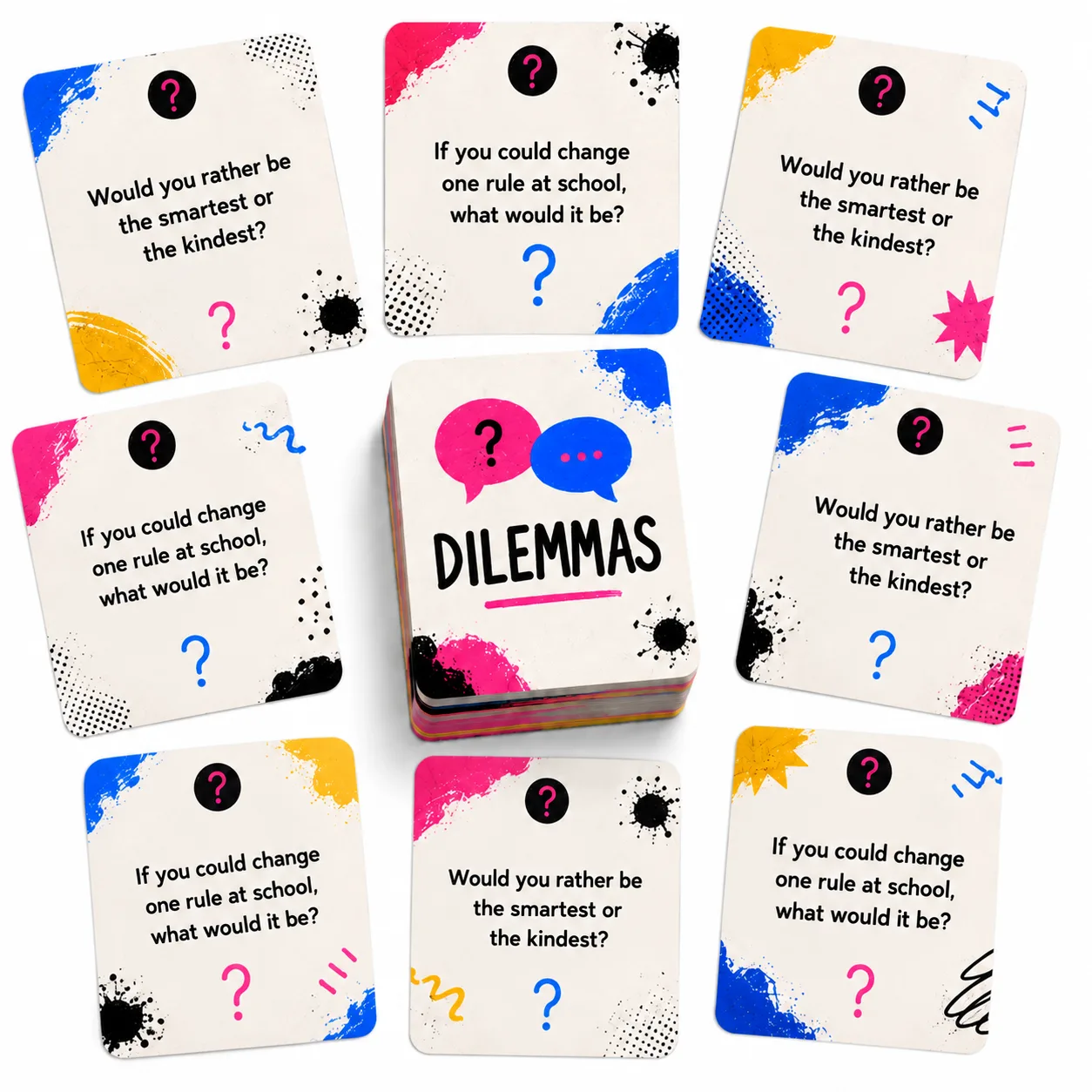
"Do we have the right to total privacy or are there things others should be able to know?" This dilemma is worked with dilemma cards and generates intense debates at any age. Younger students discuss whether parents can look at their phones. Teenagers discuss whether companies can use their data. Adults discuss whether governments can monitor communications.
There is no correct answer — and that is what makes it effective.
The difference between who you are and how you present yourself on social media is a topic students find deeply interesting. An anonymous collaborative ideas wall allows exploring questions like: "Have you ever posted something that didn't reflect how you were really feeling?" The responses reveal the social pressure of the digital world without anyone being exposed.
Instead of saying "verify your sources," present a concrete case: two versions of the same news item. Students analyze both in a discussion: what does each say? What evidence does it present? Who published it and why? The opinion thermometer measures how many believed each version before the analysis — and "I used to think / now I think" records the change.
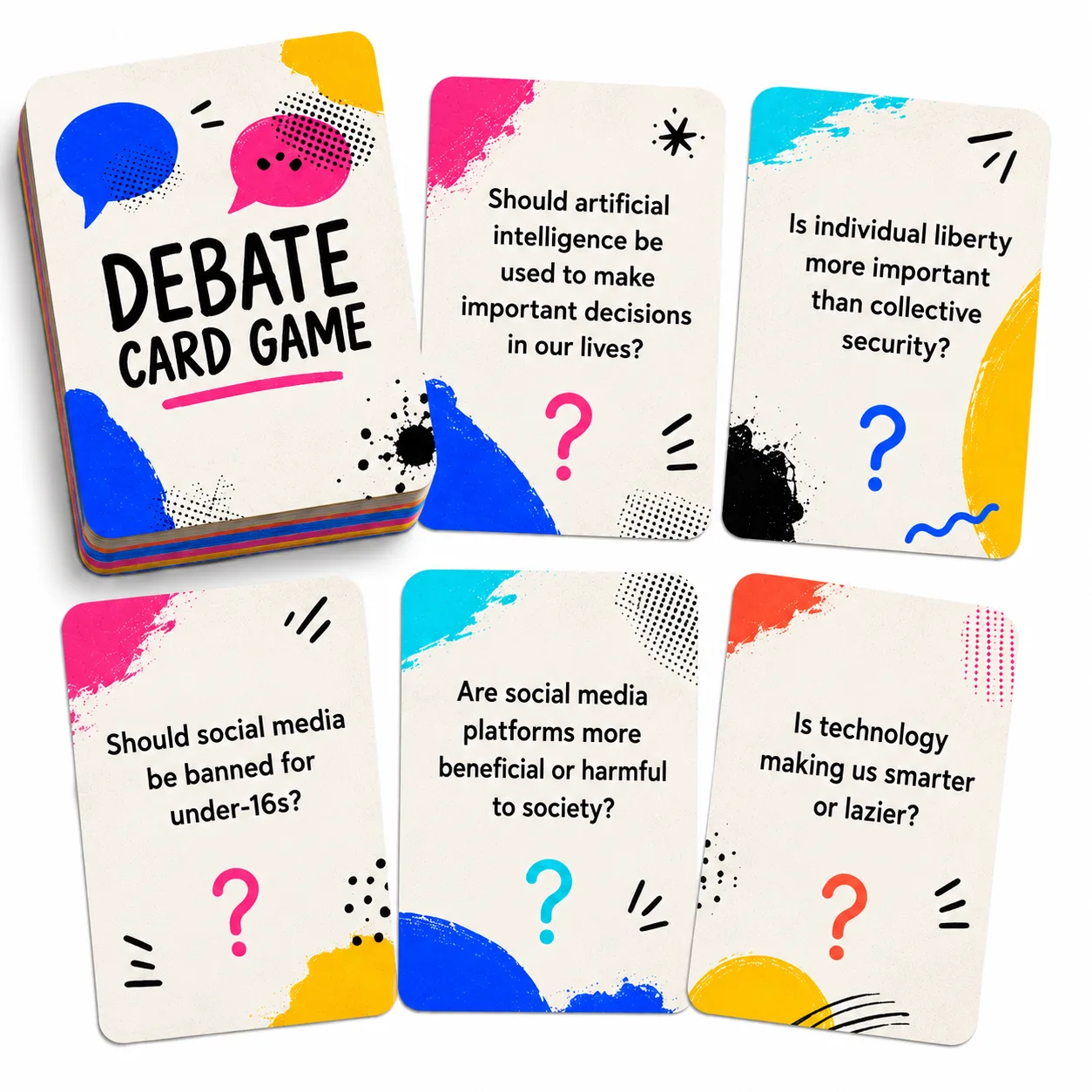
"If someone says something hurtful face to face it's harassment. If they say it in an internet comment, is it the same?" Debate cards assign positions: one defends yes, another no. The debate doesn't seek consensus — it seeks to have students reason about why the norms of conduct should (or should not) be the same in all contexts.
"Do we owe something to our future selves?" This philosophical question connects with the concrete: would you post this knowing a future employer will see it? Is it fair that something you posted at 14 follows you at 25? The choice board allows students to choose how to explore this topic: essay, infographic, simulation or analysis of a real case.
Free tools for each activity
Dilemma cards — to generate real discussion
They present digital situations without a correct answer. “If you see something bad in a group and say nothing, does that make you part of the problem?” The absence of a correct answer forces argument, and the variety of dilemmas allows addressing privacy, conduct, identity and misinformation from the same format.
Debate cards — to analyze from all angles
Assign positions at random on digital topics. What is valuable is not the assigned position but the obligation to build arguments to defend it. A student who defends something they do not think develops the capacity to see a problem from multiple perspectives.
Opinion thermometer — to make visible what the group thinks
Measures the degree of agreement with statements like: “Social media companies should verify users’ real age” or “Sharing a meme of someone without their permission is harmless.” The visual distribution generates surprise and opens the conversation.
Collaborative ideas wall — to collect real experiences
An anonymous space where students share digital situations they lived or witnessed. Anonymity allows speaking about sensitive topics — harassment, social pressure, inappropriate content — without being exposed. The teacher uses these real experiences as a starting point for group reflection.
I Used to Think, Now I Think — to record learning
Completed before and after a debate or case analysis. “I used to think sharing my location wasn’t a problem / Now I think it depends on the context and who can see it.” Makes visible that digital citizenship is not memorizing rules but developing criteria.
Choice board — for multiple ways to demonstrate understanding
Offers options for students to demonstrate what they learned: create a guide for younger students, analyze a real case, design digital conduct rules for the class, or simulate a situation and resolve a dilemma. The choice generates commitment.
Common mistakes when teaching digital citizenship
Moralizing instead of analyzing. “That’s wrong and that’s that” does not teach decision-making — it teaches hiding decisions from adults. Students need to understand why something is problematic, not be told that it is.
Assuming students know more than the teacher. Students know how to use technology — not necessarily how to use it well. Knowing how to post a photo does not imply understanding the platform’s terms of service. The teacher does not need to be a technology expert to teach digital citizenship — they need to know how to facilitate discussions about ethics and decisions.
Separating digital citizenship from citizenship. The principles are the same: respect others, think before acting, verify before believing, take responsibility for one’s own actions. There is no need for special “digital citizenship” classes — digital topics can be integrated into any subject where critical thinking, ethics or community standards are worked on.
Focusing only on risks. Digital citizenship also includes opportunities: collaborating with people from other countries, accessing previously inaccessible information, participating in communities of interest, creating content. A view that is only negative generates rejection.
What competencies it develops
Well-taught digital citizenship activates competencies that go far beyond the technological:
- Whoever analyzes a digital dilemma is exercising critical thinking — evaluating information, considering consequences, distinguishing fact from opinion.
- Whoever reflects on the impact of their actions on others is practicing ethics and values — applying moral principles to concrete situations.
- Whoever decides what to share, what to believe and how to act in the face of a digital conflict is exercising decision making.
- Whoever understands that their online actions affect a community is developing social responsibility.
- Whoever navigates the digital world with their own criteria instead of following the group is practicing digital citizenship as an integral competency.
How to start
Choose a relevant digital dilemma for the group and spend 15 minutes discussing it with dilemma cards or the opinion thermometer. No need for a whole unit — digital citizenship is built with frequent conversations, not giant projects.
When a digital conflict arises in the group (and it will), use it as a case study instead of just applying a sanction. "What happened? What options did each person have? What would you have done differently?"
Ask students to create something — a digital conduct guide for younger students, a case analysis, a simulation. When they produce, they internalize.
Digital citizenship is not taught with a talk about dangers. It is taught with questions that have no easy answer, with dilemmas that force thinking and with the sustained practice of making decisions in real contexts.