Educational progress board online — board game for class
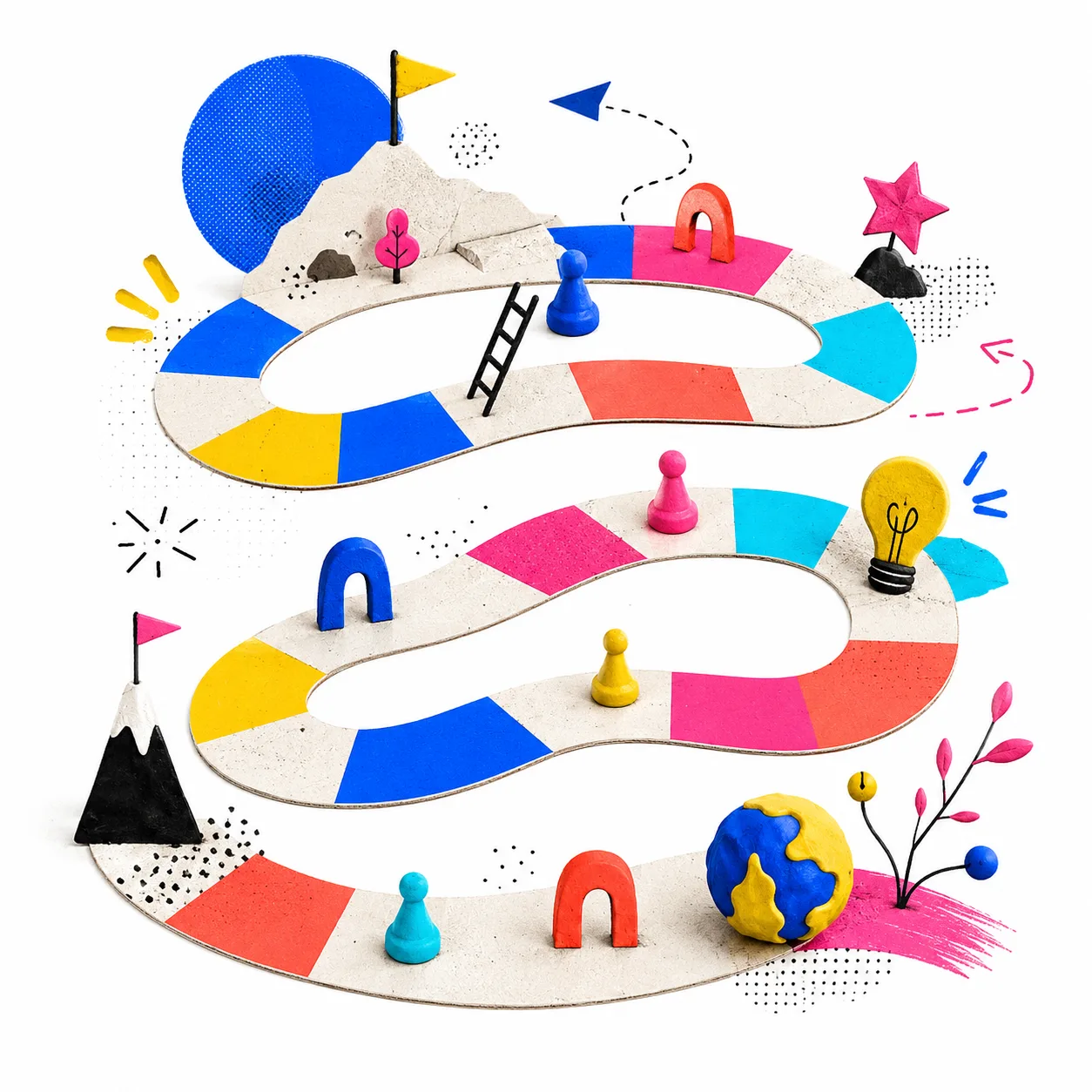
This educational progress board generator lets you create a custom educational board game to review any school content, without needing to print or prepare physical materials. It runs directly from the browser and is designed for projection in the classroom.
The board includes a virtual dice, colored team tokens and five types of squares that make each game different: question squares, advance squares, setback squares, lose-a-turn squares and challenge squares. Each time you generate or reset the board, the squares are randomly distributed.
Educational snakes and ladders with subject questions
The progress board works like a classroom-adapted educational snakes and ladders: teams take turns rolling the virtual dice and, depending on the square they land on, they answer questions, face challenges or advance and go back squares. You can choose from five subject question banks — Math, Language Arts, Science, History and General Knowledge — or mix them all.
If you want to review a specific topic, you can write your own questions in Question // Answer format and they are automatically mixed with the selected bank. You can also add your own thematic challenges.
When to use an educational board game in class
This digital educational board game is ideal for:
- Review before an assessment: teams review content while playing, without the pressure of a formal exam.
- Unit closing: synthesis activity at the end of a topic.
- Game weeks or special events: educational entertainment that keeps the learning pace going.
- Integration activities: mixed teams or new groups getting to know each other.
Difficulty levels and game configuration
The board has three difficulty levels that change the penalty for incorrect answers and square distribution:
- Easy: no penalty, more advance squares. Ideal for pressure-free review.
- Normal: moves back 2 squares per error. For most classes.
- Hard: moves back 3 squares and does not allow skipping questions. For advanced groups or formative assessments.
You can also choose from three board designs: classic snake, Monopoly-style perimeter track or diamond-shaped board.
Team game with virtual dice
You can play with 2, 3 or 4 teams. Each team has its own color and token that moves across the board as they advance. The virtual dice is rolled with a click and animates the result on screen. The side panel shows the current turn, the relative score of each team and how many squares they have covered.
Challenges are related to the chosen question bank: if you select Science, the challenges are science-based; if you select Math, they are math challenges. You can add your own challenges in the settings.
Frequently asked questions about Progress Board
What types of squares does the board have?
The board includes question squares (answer correctly to continue), advance squares (+2 or +3 squares), setback squares (−2 or −3), lose-a-turn squares and challenge squares (physical or creative challenges with a prize).
Can I use my own questions?
Yes. In the settings you can write your own questions, one per line. If you want to add the answer, use the format: Question // Answer. Your questions are mixed with the selected bank.
What happens if they answer a question incorrectly?
You can apply a penalty of −2 squares or continue without penalty, according to your judgment. The tool gives you control to decide in each case.
How many teams can play?
You can play with 2, 3 or 4 teams. Each team has its own color and token on the board.
Does the board change each time?
Yes. Each time you generate or reset the board, the special squares are distributed randomly, making each game different.
What difficulty level should I choose?
Easy is ideal for reviewing without pressure, with no penalty for incorrect answers. Normal works well for most activities. Hard moves back 3 squares per error and does not allow skipping questions, ideal for formative assessments or advanced groups.
Does it work on the classroom whiteboard or screen?
Yes. The board is designed for projection. It has a full-screen button and a high-contrast design that is readable from a distance. You can roll the virtual dice directly from the projected screen.
What is an educational board game and what is it for in the classroom?
An educational board game combines the mechanics of advancing on a board with curricular content: questions, challenges and special squares that make students learn or review while playing. It is used to review before assessments, close thematic units or work in teams in a playful way. This generator creates a digital educational board game ready to project, without needing to print or prepare materials.
What are the advantages of a digital educational board game over a printed one?
The digital educational board game is generated in seconds, requires no printing or cutting out pieces, and can be modified before each class. The virtual dice, animated tokens and full-screen mode make the experience just as entertaining as a physical game but much more practical for the teacher.
Is it free?
Yes, it is completely free, with no sign-up or download. It runs from the browser on computers, tablets and phones.