Frequently asked questions about Game of Life (Educational)
What is the Educational Game of Life?
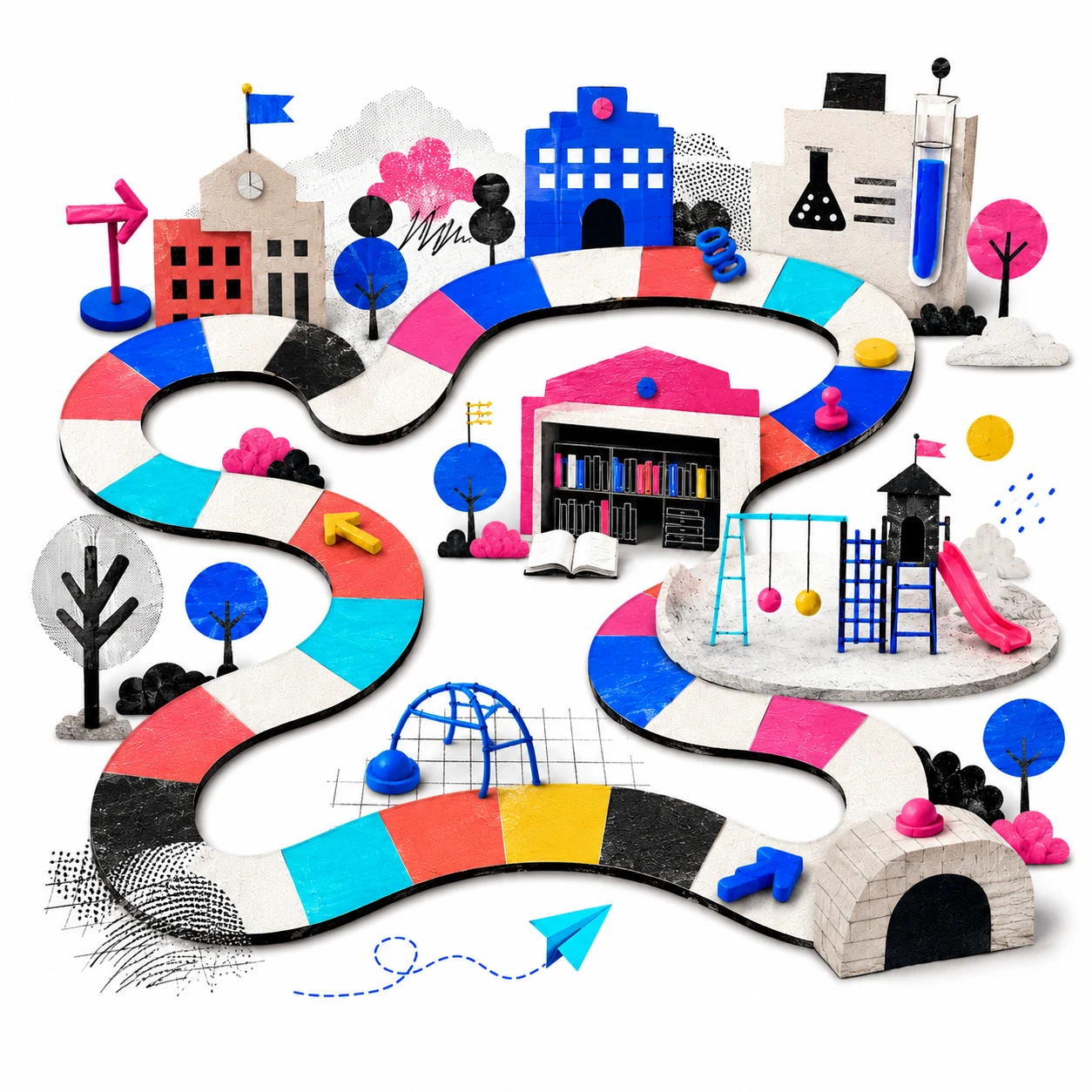
It is an interactive board game inspired by the classic Game of Life, adapted for the classroom. Teams roll the die and advance through a board with educational squares: trivia questions, group challenges, timed debates and special squares. The first team to reach the finish wins, but points earned along the way determine the final ranking.
Can I play the Game of Life online for free?
Yes. This online version of the Game of Life is completely free, requires no download or sign-up. It runs directly in the browser from any computer, tablet or smartphone. It is an educational adaptation of the classic board game, designed for classroom use or remote learning.
Is it a digital version of the board game?
Yes, it is a digital adaptation of the Game of Life concept, but with an educational focus. Instead of life stages, the board has trivia, challenge, debate and action squares. It keeps the die-rolling and track mechanics of the original board game, but the content is 100% pedagogical and configurable by the teacher.
Can I play this Game of Life on a computer without downloading anything?
Yes, the educational Game of Life runs in the browser without needing to download any application or install anything. Just open the link, configure the options and start playing. Compatible with Chrome, Firefox, Safari and Edge, on both desktop and tablet.
Is there a version of the Game of Life for the classroom or for teachers?
This tool is exactly that: a Game of Life designed for teachers and the classroom. It allows configuring up to 4 teams, loading custom questions by subject, choosing the board type and adjusting the track length. It is designed for the teacher to control from their computer while students participate on screen.
Is it free? Do I need to sign up?
Yes, it is completely free and requires no sign-up or installation. Open the link, configure the game and start playing in minutes. It works on computer, tablet and projector.
What types of squares does the board have?
The board includes 7 types of squares: Trivia (multiple choice, true/false or open answer question, worth +100 points), Group challenge (a task the team completes together, worth +75 points), Debate (the team defends a position with a timer, worth +100 points), Advance (move forward), Go back (move backward), Lose a turn and Bonus points (+50 extra).
Can I load my own questions?
Yes. In the Content tab of the setup you can write your own trivia questions (formatted as 'Question // Answer'), your own group challenges and your own debate topics. They are mixed with the selected question bank for more variety.
What question banks are included?
5 thematic banks with 20 questions each: Natural Sciences, History and Geography, Mathematics, Language and General Culture. There is also an 'All' option that mixes questions from all banks at random. Each bank includes multiple choice, true/false and open answer questions.
How does the debate timer work?
When a team lands on a debate square, the topic appears along with a button to start the timer. The teacher presses 'Start timer' when the team begins speaking. The counter counts down from the configured time (30 seconds, 60 seconds or no limit). When it ends, the teacher evaluates whether the argument was good and decides whether the team earns the 100 points.
How many teams can play?
2 to 4 teams can play simultaneously. Each team has their own color token and customizable name. The game tracks each team's score throughout the entire game.
How does multiple choice trivia work?
Multiple choice questions show 4 options (A, B, C, D). The teacher reads the question aloud and the team discusses. Then the team chooses an option by clicking. The game automatically reveals whether it is correct (green) or incorrect (red) and shows the correct answer. If they get it right, 100 points are automatically added.
How long does a game last?
It depends on the configuration. With 20 squares and 3 teams it can last 20–30 minutes. With 30–40 squares and 4 teams, about 40–50 minutes. It can be stopped at any point and the teams with the most points win by position and score.
Can it be projected on the classroom screen?
Yes. The tool is designed to be projected. The full-screen button (top right corner during the game) fills the entire screen, ideal for projectors or interactive screens.
What pedagogies support this game?
The Educational Game of Life is grounded in Game-Based Learning, Purposeful Gamification and Cooperative Learning. The dice and board mechanic activates motivation, while the challenges and debates foster oral participation and critical thinking.
What competencies does it develop?
The game works Critical thinking (analyzing questions and making decisions), Oral expression (defending positions in the debate), collaboration (solving group challenges), and Frustration tolerance (managing negative squares like going back or losing a turn).
How is it different from the Progress Board?
The Educational Game of Life adds two new types of squares: Debate (with a configurable timer and oral argumentation) and Bonus points. The trivia also includes multiple choice questions with automatic verification — the game reveals whether the answer is correct without the teacher having to validate it. It also shows a cumulative score per team in addition to board position.
For which educational level is it designed?
It works very well for both elementary and secondary school. In elementary it is ideal for reviewing content in a playful way and working in teams. In secondary it enables more complex debates and challenges with greater conceptual depth. Teachers can adapt the questions to any level by loading their own content bank.
Is it a good activity for reviewing before an exam?
Yes, it is one of the most effective formats for group review before an assessment. The team quiz format keeps attention and reduces anxiety about the content. By working in teams, students help each other and reinforce what they have learned collaboratively.
Can it be used as a gamified unit-closing activity?
Exactly. It is ideal as a gamified activity for closing a teaching unit. It allows reviewing all the period's content dynamically, assessing group comprehension in a formative way, and generating a moment of collective enjoyment. It is a more motivating alternative to a traditional written test.
Does it work well with a projector or interactive screen?
Yes, it is designed to be projected in the classroom. The interactive board fills the entire screen in full mode and the teacher manages the game from the computer or tablet. It is perfect for interactive whiteboards, projectors or classroom televisions.