Frequently asked questions about Stop Game (Scattergories)
How do you play Stop?
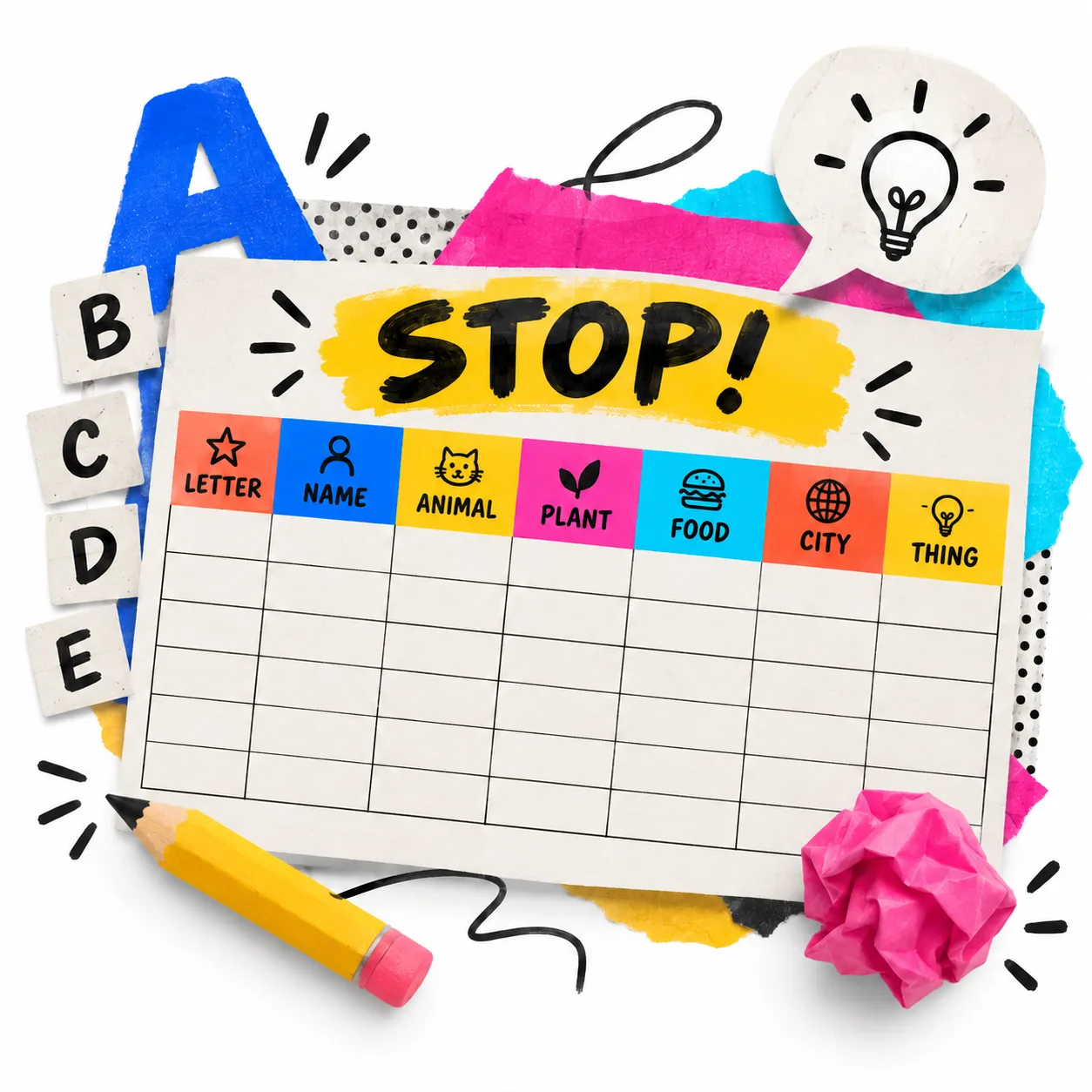
The game is simple: a letter is chosen at random and each player writes on paper a word starting with that letter for each category (Animal, Country, Name, Fruit, Color, Profession and more). The first to complete all categories shouts 'Stop!' and time stops. Then answers are read aloud: if only one player wrote a valid answer, they get 10 points; if several had the same answer, each gets 5 points; an empty or invalid answer gives 0. Several rounds are played with different letters and the player with the most accumulated points wins.
What other names does this game go by?
The game is known by different names depending on the country, but the rules are exactly the same. In many Latin American countries it is called Tutti Frutti. In others it is called Stop or Basta. In English-speaking contexts it is closest to Scattergories. This tool works the same regardless of what you call it.
What are the categories in Stop?
The classic categories are Animal, Country or City, Proper Name, Fruit or Vegetable, Color and Profession. Over time, each group adapts the categories to their interests: Movie or Series, Brand, Sport, Historical Figure, Superhero and more. This tool includes more than 15 predefined categories and allows adding unlimited custom categories, so it can be adapted to any subject or level: from elementary through high school.
How is the score calculated?
The standard scoring system: if only one player wrote a valid answer for a category, they get 10 points; if two or more players wrote the same answer (case-insensitive), each gets 5 points; an empty or invalid cell gives 0 points. The tool also offers a simplified mode where a valid answer = 1 point and an invalid or empty answer = 0. The score accumulates round by round and the winner is shown automatically at the end.
Is Stop appropriate for children?
Yes, it is ideal for elementary school children and older. For younger students it is recommended to use simple categories (Animal, Color, Fruit, Name) and deactivate difficult letters like Q, X, Y and Z. Time can also be increased to avoid excessive pressure. The game works vocabulary, spelling and memory in an entertaining way, which makes it a fun activity with real pedagogical value from age 7 or 8.
Can I use Stop with history, science or other subject categories?
Yes, that is one of the most valued features of this tool. You can create completely custom themed categories: 'Chemical element', 'River or mountain', 'Historical figure', 'Country in Europe', 'Artist or musician', 'Math term', 'Planet or celestial body', and many more. This turns Stop into a review activity for any subject, combining the motivation of competitive play with the reinforcement of curricular content. You can find more ideas in other educational tools in the collection.
How many players does this tool support?
It supports between 2 and 8 players or teams. You can enter individual names or team names. It is ideal for individual play projected on screen, as well as for dividing a class into groups. For large classes, teams of 3 to 5 students are recommended so everyone participates actively.
Can Stop be played without smartphones?
Yes. This tool is designed for use on a computer or laptop connected to the classroom projector. Students do not need a phone, tablet or any device of their own: they write answers on paper and the teacher enters results on screen. No stable internet connection is needed during the game, only when loading the page. Works in any modern browser without installing anything.
How do you use Stop in the classroom?
The most common approach is to project it on the classroom screen and have students play on paper. The teacher controls the tool: draws the letter, manages time and enters answers. It can also be used as a closing activity, as review before an exam, or as a participation reward. For larger classes, teams work well with one representative writing answers per group. This dynamic falls within Game-Based Learning.
Can I deactivate difficult letters or choose specific letters?
Yes. In settings there is a one-click button to deactivate the most difficult letters: Q, X, Y and Z. You can also activate or deactivate letters individually based on the group's level. Letters already used in previous rounds don't come up again in the same game, which guarantees variety. This option is especially useful for adjusting difficulty in elementary school or with students learning English as a second language.
What pedagogies support the use of Stop in class?
Stop falls within Game-Based Learning and Purposeful Gamification: it works vocabulary, spelling and thematic knowledge under time pressure and healthy competition. It also activates informal Formative Assessment, because the teacher can observe in real time which words and concepts the group knows in each category. It is a low-threshold, high-ceiling activity: easy to explain but adaptable to complex content.